Smart control
Smart lighting control: KNX, DALI, Lutron, Apple Home — which system to choose
The control platform affects comfort, support and expansion options. Each platform has its own functions and project requirements.
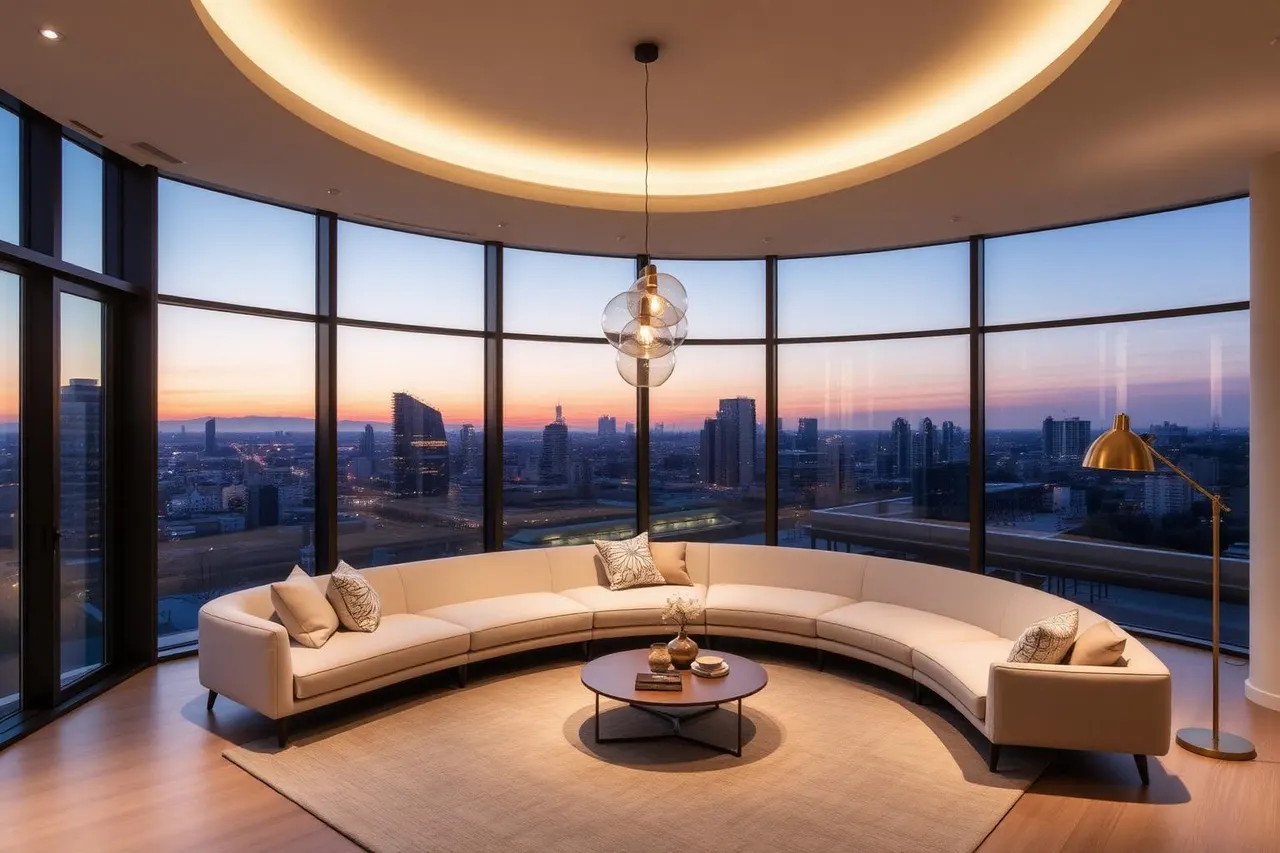
Smart lighting is not about the app on your phone. It is about how simply and reliably you can trigger a scene — by hand, voice or automation. The platform shapes cost, reliability and future-proofing for 10–15 years.
KNX is a home and building automation standard. Basic control can be designed to run locally; remote and cloud functions depend on the selected components. Assess service life, support and total costs for the actual project.
DALI / DALI-2 targets lighting specifically. Often paired with KNX through a gateway or with a dedicated DALI controller (Casambi, eldoLED, Helvar). Where lighting is the main integration goal, DALI is elegant and budget-friendly.
Lutron (HomeWorks, RadioRA) is the American premium standard, popular in Hospitality and high-profile residences. Excellent dim quality and shade integration. In Europe pricier and partner-dependent.
Apple Home (HomeKit), Google Home and Amazon Alexa have different network, hub and cloud requirements. Not all functions need internet access; HomeKit, for example, supports local control of compatible accessories. Check which functions work offline and which require cloud services.
Home Assistant is an open-source bridge between systems — connects KNX, DALI, Zigbee, Matter, Apple and Google. Suits a technical owner or a Smart home integrator.
Matter is an IP-based protocol for local communication between compatible smart devices. Supported device types and features depend on version, certification and controller; remote access may require an internet connection.
Practical applications
Villas, Penthouse, high-end residential
KNX + DALI is the long-term standard, integrating lighting, HVAC, shades, audio and security; local, cloud-independent.
Mid-size apartments
Consider Casambi or Apple Home with compatible components. Check switch supply voltage, regional version and system support; an overseas model is not automatically suitable for a local installation. Compare commissioning and support as well.
Hospitality (hotels, Fine dining)
Lutron, Helvar or KNX with DALI; reliability, programmable scenes and PMS integration are critical.
Retail & Showroom
DALI-2 with time and event scenes; quick non-programmer changes between sales / launches.
Experimental Smart home
Home Assistant as the brain, Zigbee / Matter devices, Apple Home for the family; needs a technical owner.
Advantages
- Scenes triggered by a single tap or automatically
- Time and sensor automations (daylight, occupancy, geofencing)
- Energy savings via daylight and presence sensors
- Integration with shades, HVAC and AV
- Remote monitoring and maintenance
Limitations
- Higher up-front cost and need for programming
- Cloud-only systems depend on the manufacturer
- For wireless systems, check network capacity, coverage and interference in the actual building
- Complex systems need ongoing technical support
Recommendations
- Always plan physical switches as a fallback
- Design scenes around rituals (Morning, Work, Movie, Guests, Sleep), not rooms
- In Hospitality invest in the entry → lobby → room logic (Lutron / KNX-DALI)
- Prefer local control over cloud-only in residential
- Insist on scene documentation and openness for later edits
Common mistakes
- Smart without physical switches — daily frustration, especially for guests
- Cloud-only with no local fallback (internet outage = no light)
- Too many scenes nobody remembers — better 4–6 well-named ones
- Infrastructure installed but scenes never programmed
- Locked into one vendor with no exit strategy
In summary
Smart lighting earns its keep by improving daily rituals — not by replacing a switch with an app. For premium projects today KNX-DALI or Lutron is the standard; for mid-size homes Apple Home with quality switches plus Casambi or Home Assistant for flexibility.
Premium Light Studio
Planning a project? Get in touch.
Apply the article to your project. Use the short form to describe the space, project stage and the help you need.
Prepare the project location, approximate dimensions, preferred timing and indicative budget. You can add a link to a plan or datasheet; describe any open questions in the notes.
Prepare a project enquiryThe article topic carries into an editable note that you can expand or replace.